Motion · 1 min read
Motion Design Tips: Better Easing, Clearer Feedback, Less Distraction
Give interface animation a purpose, improve timing and easing, and create a useful reduced-motion alternative.
Name the job of the movement
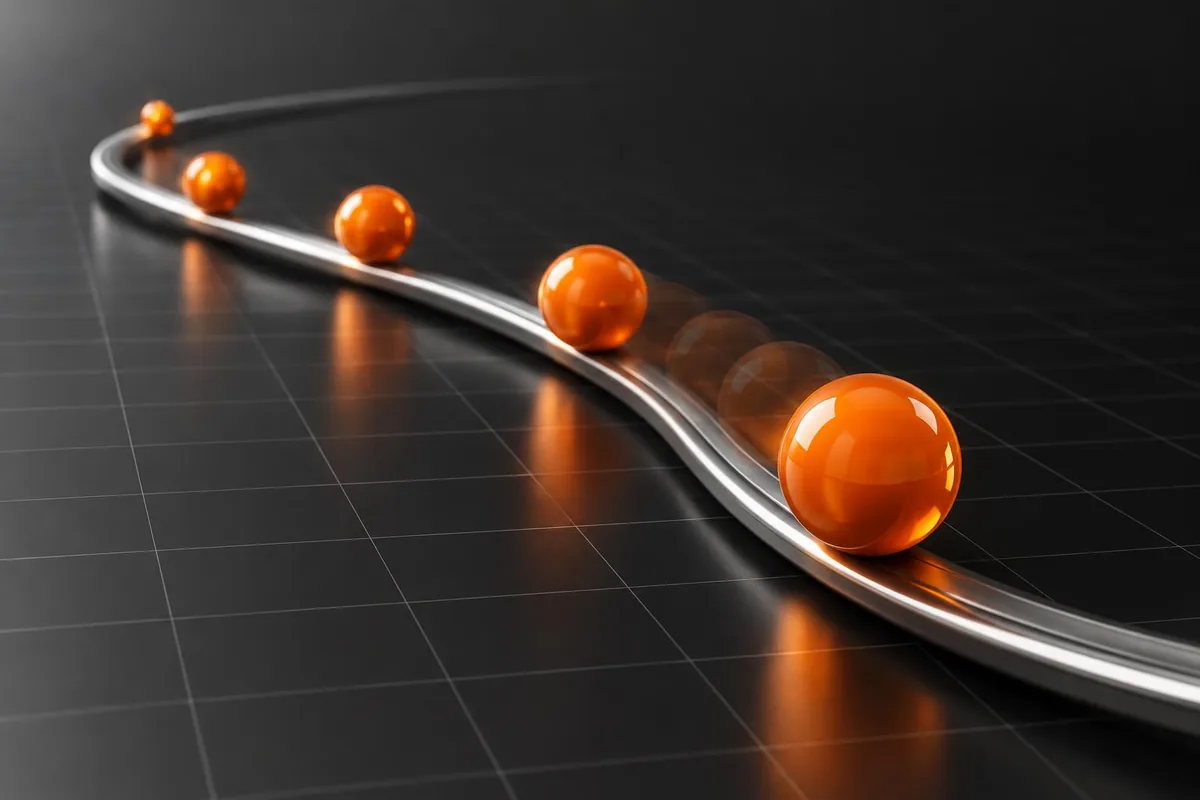
Before adding a transition, describe what it communicates: a panel opens, an item moves, a request completes, or focus shifts. If the only answer is ‘it looks exciting’, consider whether it belongs in the main workflow. Functional motion should help someone follow the interface, not make them wait to use it.
Match easing to the action
A constant-speed movement can feel mechanical for an interface panel. An ease-out can help an entering element settle; a different curve may suit an exit. Treat these as starting points rather than rules for every element. Compare curves with the same distance and duration so you can judge the timing instead of changing everything at once.
Keep repeated interactions quick
A dramatic reveal may suit a launch film but become frustrating in a menu used repeatedly. Test several fast interactions in succession, including opening and closing halfway through an animation. The interface should remain responsive and reflect the latest input. Avoid sequences that require every decorative animation to finish before a button becomes available.
Animate what the browser handles well
For many interface transitions, opacity and transforms are useful starting points. They can avoid the repeated layout work associated with changing dimensions or positions, although compositing and effects still have costs. Profile the actual scene when it stutters. A short animation with heavy blur and a large repainted surface can cost more than a longer simple transition.
Design the quiet version deliberately
Respect the visitor’s reduced-motion preference with an alternative that preserves meaning. A large zoom or parallax move can become a simple fade or immediate state change. Reduced motion does not mean hiding confirmations or disabling controls. Check automatic moving content separately: accessibility guidance has different conditions for interaction-triggered animation and content that starts moving on its own.
Test the transition, interruption and fallback
Review motion on a phone, with reduced motion enabled and while interacting quickly. Confirm that focus stays in a sensible place when a panel opens or closes. If an animation fails or is skipped, the finished state must still be usable. The strongest motion system is one whose absence does not break the product.